






Carry Boomerang Bet from the live pitch to the casino lobby
Our mobile experience keeps a sportsbook, casino, cashier, verification and reward progress inside the same account. The responsive site works directly in a modern browser, while an installable web-app shortcut can place Boomerang Bet on the home screen with an app-like launch. This route avoids storing a second balance or creating separate credentials. Football odds, in-play slips, thousands of games and live chat remain available through the compact navigation. The main Boomerang Bet sportsbook and casino guide provides a broader view of the products available through that account.
Choose the installation route that matches the device
Android home-screen installation
- Open our mobile site in a supported browser and sign in.
- Open the browser menu and select Add to Home screen or the install prompt shown by the site.
- Confirm the Boomerang Bet icon and launch it from the phone desktop.
- Allow only the notifications you want, then review data and battery settings.
If the mobile area presents a downloadable Android package, use only the file offered there. Review the displayed version, publisher and requested permissions before installation. Android may ask for one-time permission to install from the browser; remove that permission after the package has been installed.
iPhone and iPad shortcut
Open the site in Safari, select the share control and choose Add to Home Screen. The shortcut opens the same secure account and does not require a second registration. Face ID or device password protects the phone itself; your Boomerang Bet login still controls the gambling account.
What the smaller screen keeps intact
| Mobile function | Practical use |
|---|---|
| Live bet slip | Follow changing prices, open bets and cash-out status |
| Casino search | Filter 7,000+ games by provider, category or title |
| My Bonuses | Activate rewards and monitor wagering or expiry |
| Cashier | Deposit, request withdrawals and inspect route limits |
| Verification | Upload identity and address files from the camera or storage |
| Support | Start 24/7 live chat without leaving the account |
Sports navigation covers more than 30 categories, including football, tennis, basketball, cricket, ice hockey and esports. Casino search can surface Book of Dead, Sweet Bonanza, Gates of Olympus and live roulette variants without scrolling through the full catalogue. Favourite controls and recently played lists shorten repeat sessions. The Boomerang Bet bonuses guide explains the activation, wagering and expiry details shown in the mobile reward area.
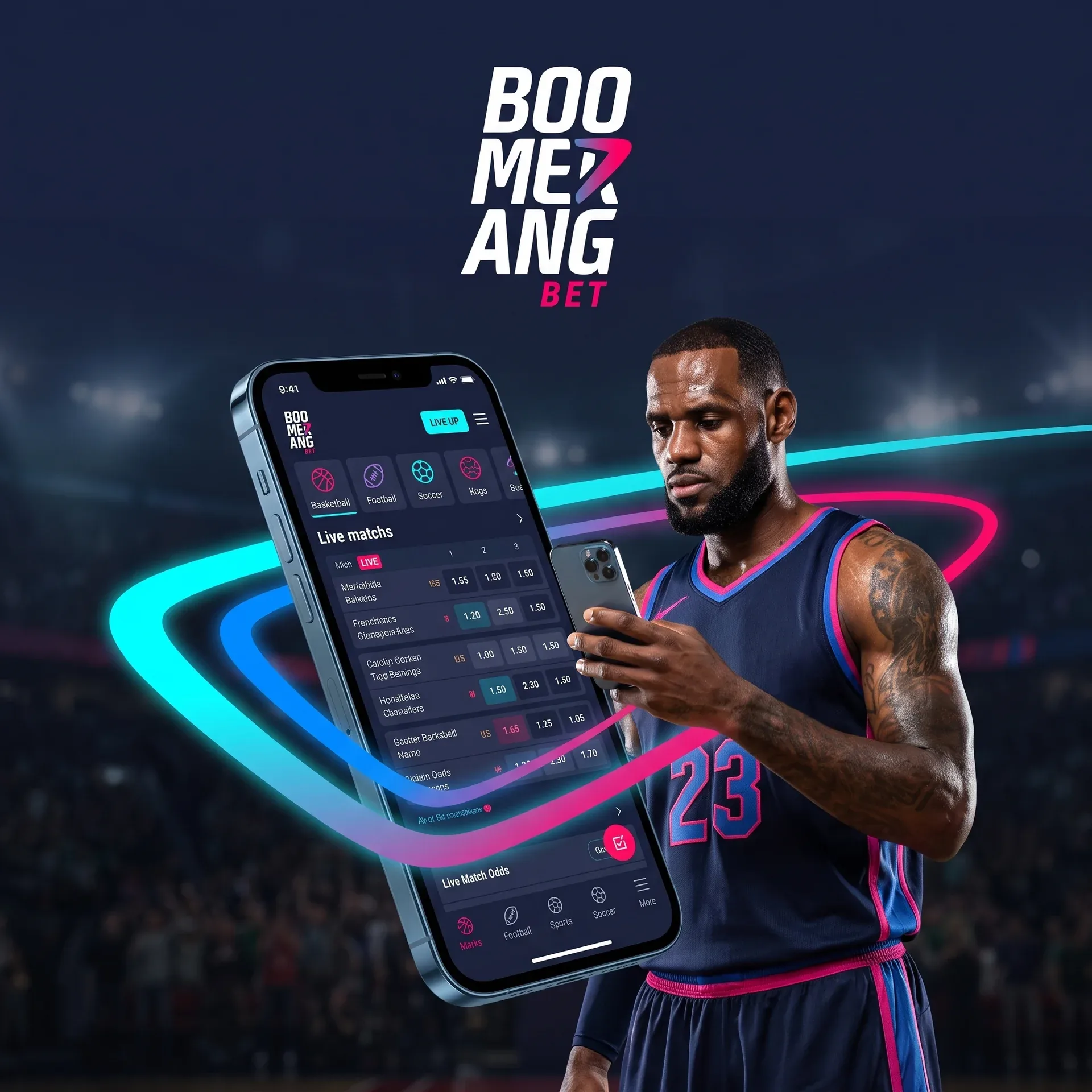
Take Boomerang Bet with you
Download appMobile payments need the same precision as desktop banking
Cards, e-wallets and crypto routes appear according to the account currency and cashier status. Before confirming a transfer, read the displayed minimum, maximum, fee information and estimated handling. For crypto, match both the asset and network; an ETH address is not interchangeable with a USDT network route. Copying from the cashier reduces typing errors, but the destination should still be checked character by character.
Verification images taken on a phone must be sharp, uncropped and free from glare. Use a stable connection while uploading and wait for the status confirmation before closing the page. Account setup and KYC choices are covered in the Boomerang Bet registration guide.
In-play control matters more than animation speed
Live betting updates quickly, yet the slip remains the final record of price, market and stake. Recheck all three after a suspension or odds change. Cash-out values can change or disappear as the event moves; confirmation occurs only when the account records the transaction. For casino sessions, use reality checks and session limits rather than treating a smooth interface as a reason to extend play.
Keep a mobile account secure on public networks
Use device locking, a unique password and current operating-system updates. Avoid saving credentials on shared hardware. Public Wi-Fi can introduce interception and session risks, so use a trusted connection for cashier and verification activity. If a phone is lost, reset the account password from another device and contact support to review active sessions.
FAQ
No. The browser site, home-screen shortcut and supported mobile installation use the same balance, history and credentials.
Use the browser’s Add to Home Screen control or the verified installation option shown in our mobile area.
Yes. Select clear images from storage or the camera and confirm that every edge and detail is readable before submission.
They work when the assigned game supports the device and the active promotion lists that title as eligible.
Open My Bonuses and select the active offer to view remaining turnover, expiry and current balance status.
Eligible open bets display a cash-out control and current amount; the option depends on live market conditions.
Confirm the coin, network, address, amount and any memo or tag shown by the cashier.